Complete Guide to Setting Up Your Google Business Profile in Malaysia
Step-by-step guide to creating and optimizing your Google Business Profile. Get found in Google Maps and attract more Malaysian customers.
CWD Malaysia Team
RM1 Website
Your Google Business Profile Is Your Most Valuable Free Marketing Tool
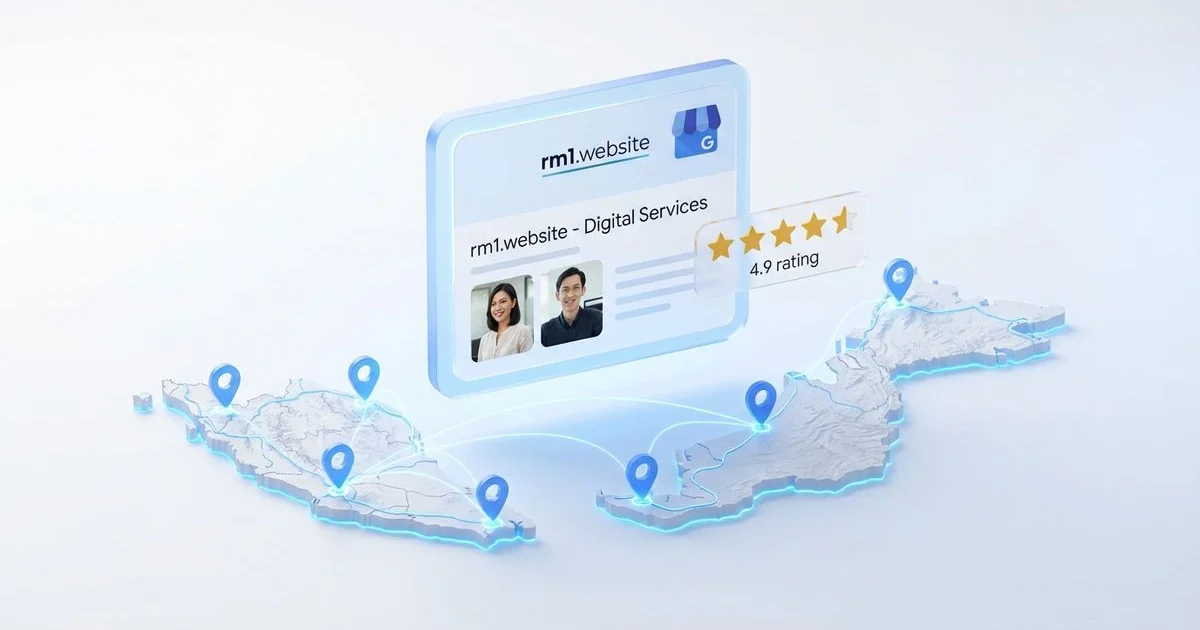
For any Malaysian business - from a kedai makan in Klang to a legal firm in Cyberjaya - your Google Business Profile is often the first thing potential customers see. It appears in Google Maps, local search results, and the Map Pack. Setting it up properly is not optional. It is essential.
This guide walks you through the complete setup process, optimized for Malaysian businesses.
Step 1: Claim or Create Your Google Business Profile
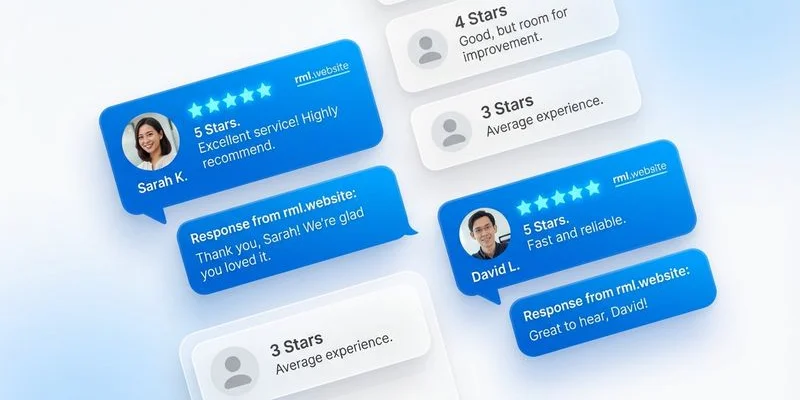
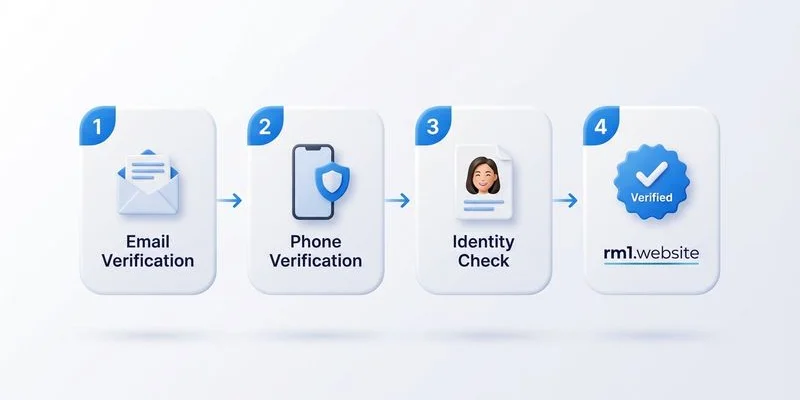
Go to business.google.com and search for your business. If it already exists (someone may have created a listing), claim it. If not, create a new one. You will need a Google account and your SSM registration details handy.
Step 2: Complete Every Section of Your Profile
Business Name
Use your exact registered business name. Do not stuff keywords - “Ahmad Plumbing Services” is correct, “Ahmad Best Plumbing Cheapest Plumber KL” will get you penalized.
Business Category
Choose one primary category that best describes your core service. Add up to nine secondary categories. For a restaurant in Petaling Jaya, your primary might be “Malaysian Restaurant” with secondary categories like “Catering Service” and “Nasi Kandar Restaurant.”
Address and Service Area
If you have a physical location customers visit, enter your full address. For service-area businesses (plumbers, cleaners, contractors) covering the Klang Valley, set your service area by city or radius instead.
Contact Information
Enter your primary phone number and website URL. Make sure these match exactly with your website - NAP consistency is critical for local SEO. Learn more about how to rank in the Map Pack.
Business Hours
Enter accurate hours including special holiday hours. Google displays this prominently and customers rely on it. Include Saturday hours if you operate on weekends.
Business Description
Write a clear 750-character description of your business. Include your services, location, and what makes you different. Mention key areas you serve naturally. Do not keyword-stuff.
Step 3: Add High-Quality Photos
Upload at least 10-15 photos: your logo, exterior (so customers can find you), interior, team photos, and examples of your work or products. Geotag your photos if possible. Businesses with photos get 42% more direction requests.
For professional-looking images without the cost of a photographer, CWD Malaysia’s RM1 Website Package includes AI-generated custom visuals that can also be used for your Google Business Profile.
If you want the full optimization done for you - including category strategy, NAP sync, photo enhancement, and a review collection kit - CWD Malaysia’s Google Business Profile Optimization service handles everything for a one-time RM100 fee.
Your Google Business Profile is free, powerful, and directly impacts whether Malaysian customers find you. Set it up properly and it works for your business 24/7.
Need a Website for Your Business?
Get a complete 15-page website for just RM1/day. No hidden fees.
WhatsApp Us